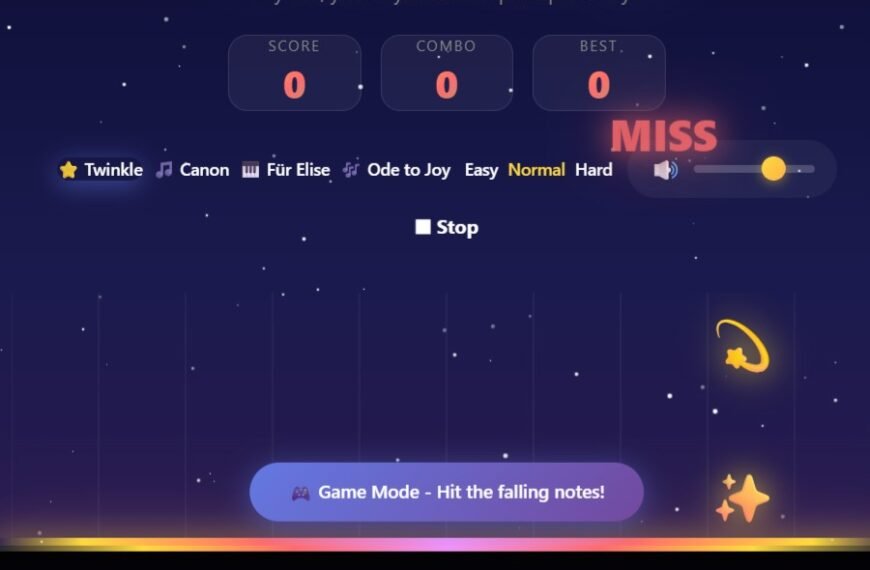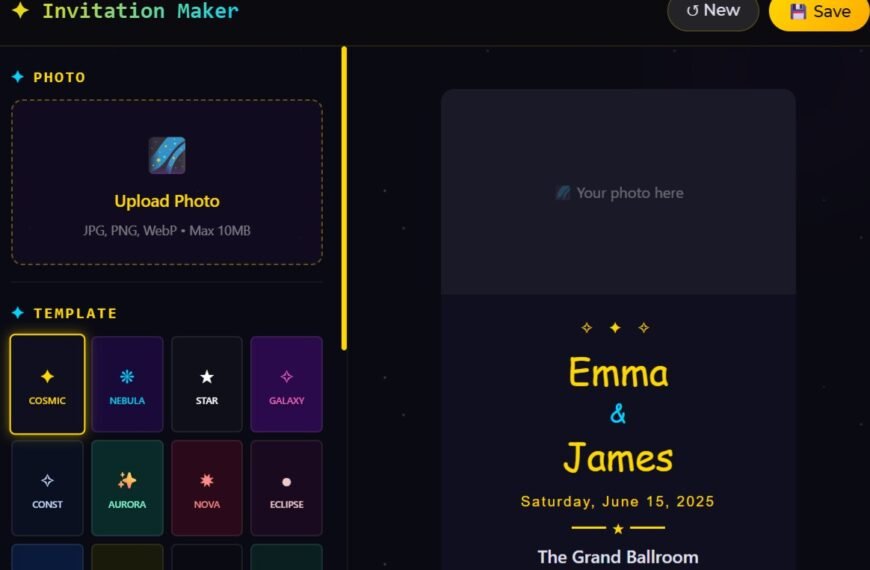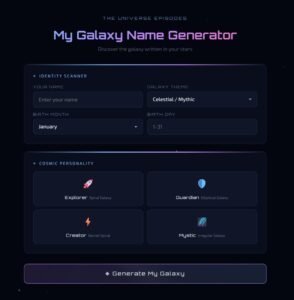


Document celestial events, track your observations, and preserve your astronomical discoveries with our free progressive web app. Works offline, no account required.
🔭 How to Use Space Observation Journal
- Install the App (Optional): Click the “Install App” button in your browser to add this journal to your home screen. Use it like a native app – works offline!
- Create Your First Entry: Click “New Entry” to record what you observed. Document the date, time, location, celestial objects, weather conditions, and equipment used.
- Auto-Save Feature: Your entries are automatically saved every 5 minutes to your browser’s local storage. You’ll see a small “✓ Auto-saved” notification.
- Backup Your Data: Click the “Backup” button regularly to download your journal as a JSON file. This creates a permanent copy on your computer.
- Search and Review: Use the search bar to find specific observations, dates, or celestial objects. Perfect for tracking seasonal changes or planning future sessions.
⭐ Why Use Our Space Observation Journal?
- Completely Free Forever: No subscriptions, no hidden fees, no ads. Open-source and always free to use for amateur astronomers and stargazers worldwide.
- Works Offline: Progressive Web App (PWA) technology means you can use this journal in remote dark sky locations without internet connection. Perfect for field observations.
- Privacy-First Design: Your data stays on your device. No account required, no cloud storage, no tracking. You own and control all your astronomical observations.
- Auto-Save Protection: Never lose an observation again. Automatic saving every 5 minutes protects your work from unexpected browser closures or power issues.
- Smart Search: Quickly find past observations by date, object name, or conditions. Track patterns, compare sightings, and build your personal astronomy database.
- Organize Your Discoveries: Maintain a chronological log of celestial events, meteor showers, planetary positions, deep-sky objects, and more. Perfect for serious amateur astronomers and casual stargazers alike.
- Cross-Platform: Works on any device with a web browser – desktop, tablet, or smartphone. Install on multiple devices and use backup files to sync your data manually.
💾 Why You Should Backup Your Observations
1. Browser Storage Is Temporary
Your journal entries are stored in your browser’s local storage. While this allows offline access, browser storage can be cleared when you clear browser cache and cookies, when browser storage reaches its limit, during browser updates or system crashes, or when switching devices or browsers.
2. Backup Creates Permanent Records
Regular backups protect months or years of observations. Backup files are saved to your computer’s hard drive, not temporary browser storage.
- You can move your journal between computers, tablets, and phones using backup files.
- Keep multiple backup files to maintain a history of your observations over time.
- Restore your entire journal instantly if browser data is lost. JSON format ensures your observations remain readable for decades.
3. Backup Best Practices
- Backup after every observing session.
- Create weekly backups if you observe frequently.
- Store backup files in multiple locations such as your computer, cloud storage, and external drive.
- Name files with dates like
space_journal_2024-01-15.json. - Test restoration occasionally to verify backups work.
Note: The app will remind you to backup if it’s been more than 3 days since your last backup. Don’t ignore these reminders!
🚀 Start Your Astronomical Journey Today
Join amateur astronomers worldwide in documenting the wonders of the night sky. Free, private, and always available when you need it. No installation required, works on all devices, and is 100% free forever.